



RetroZino App
The RetroZino app carries the full game catalog and every account function onto smartphones and tablets. Instead of a downloadable file, the platform relies on progressive web application technology, so the casino opens through the browser and leaves device memory free for personal content. This page describes how the Retro Zino app performs on Android and iOS, and it also covers quick access options for desktop users.



RetroZino Mobile Casino
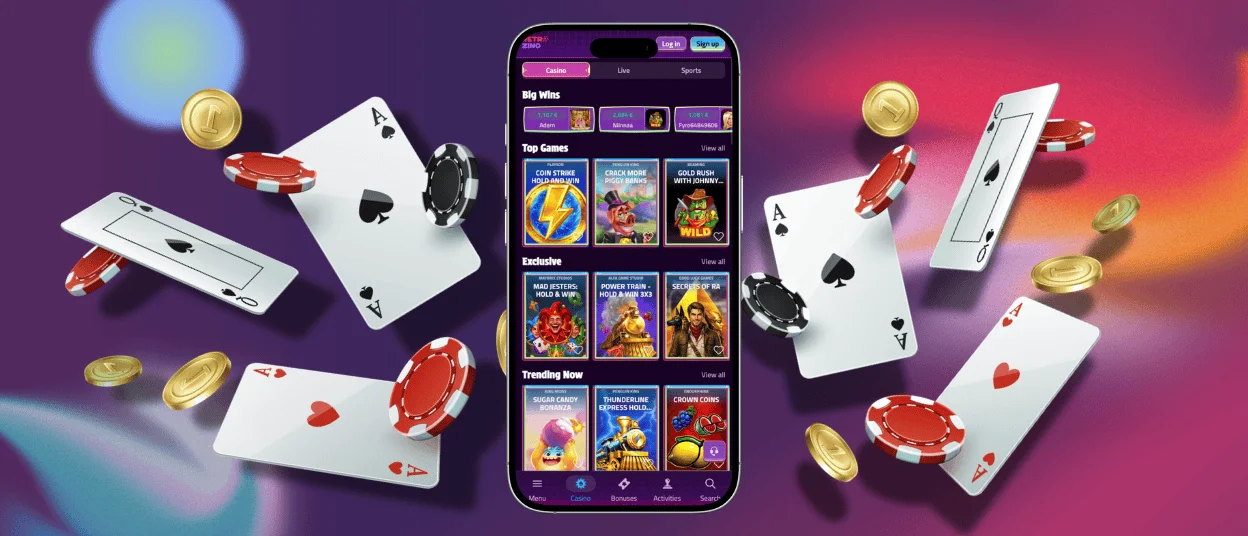
The mobile version of RetroZino mirrors the desktop site in full. The interface adjusts to any screen size, touch controls react without delay, and live dealer tables stream in high quality on a stable 4G connection. New releases reach mobile screens on the same day they appear in the main catalog.
Members control the entire account from a handheld device. The wallet sits one tap away, deposits show up in the balance immediately, and the bonus section reflects the current status of every active offer. Verification also happens on a single device: you photograph documents with the phone camera and send them through the secure account area, where compliance specialists review them within 48 hours. Live chat is built directly into the Retro Zino app, and the support team answers around the clock in several languages.
Pros and Cons of the RetroZino App
RetroZino follows the progressive web app model, and this technical decision defines most of its strong points:
- Instant access. The platform opens from a home screen icon, and the setup takes seconds in the browser — no app store account is involved.
- Automatic updates. The servers deliver every improvement in the background, so each launch loads the current, fully patched build.
- Light storage footprint. The app caches only essential files, which leaves phone memory available for photos and music.
- Cross-platform consistency. One version serves mobile devices and desktop computers, so the layout and features stay identical everywhere.
- Push notifications. Tournament openings, reload reminders and fresh free spin offers reach the lock screen the moment they go live.
A few points deserve attention before the first session. A stable internet connection keeps gameplay smooth, and a recent browser version delivers the best performance. Live dealer titles stream video continuously and consume more mobile data than slots, so Wi-Fi is the reliable choice for long live sessions. Owners of older devices can lower the graphics quality in the lobby settings to keep loading fast.
Mobile Application for Android
On Android, Retro Zino runs through the browser engine already present on the device, so users skip third-party APK websites and manual updates entirely. The platform consumes little memory and matches graphics to the native screen resolution, which keeps animations sharp on budget models and flagship phones alike. Full-screen mode hides the browser panel during play, and the developers test every release on a wide range of hardware, so performance stays stable across price segments.
The table below lists what an Android device needs for comfortable play at RetroZino Casino.
| Requirement | Details | Purpose |
| Operating system | Android 8.0 or later | Provides stable performance and current security patches |
| Browser | An up-to-date release of Chrome or Firefox | Enables full-screen mode and push notifications |
| Connection | Wi-Fi or a fast 4G/5G network | Keeps live tables and video slots running without pauses |
| Free storage | Around 50 MB for cached files | Shortens loading times on repeat visits |
RetroZino on iPhone and iPad
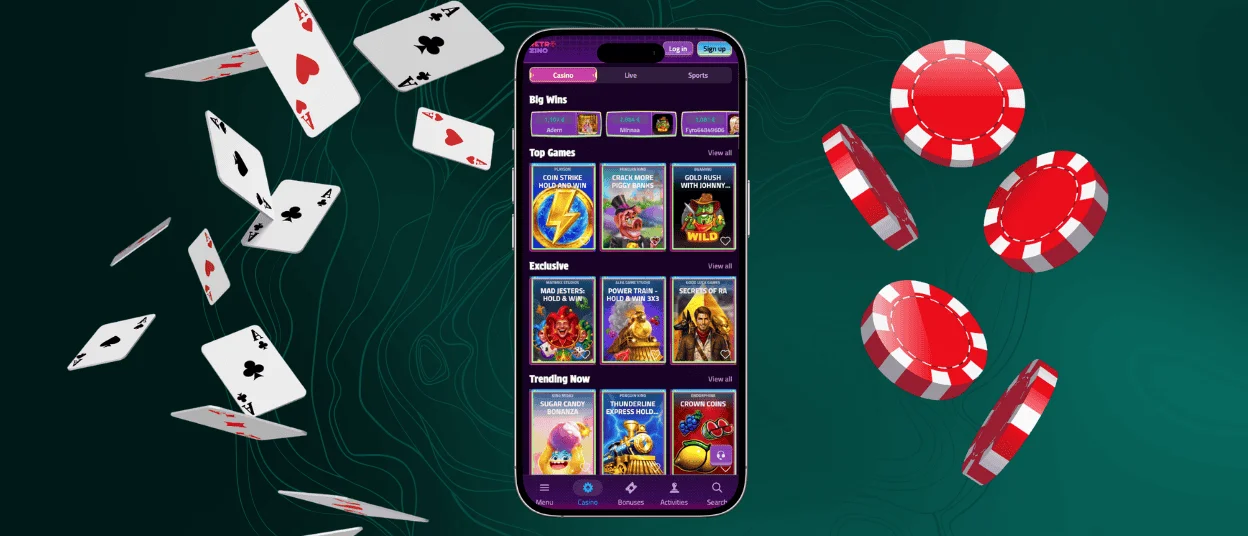
Apple devices open the platform through the Safari engine, which receives deep optimization at the system level. Hardware acceleration keeps the picture fluid and saves battery power during long sessions. iPhone models from the iPhone 8 onward and every iPad on iPadOS 14 or newer display the games at full quality in both portrait and landscape orientation.
The setup takes under a minute:
- Open the official RetroZino website in Safari.
- Tap the Share icon — the box with an upward arrow at the bottom of the screen.
- Choose Add to Home Screen and confirm the name.
- Launch the new icon to play in full-screen mode.
After this short procedure, the Retro Zino app supports Face ID and Touch ID, so the login screen recognizes a returning player within a second. Apple Pay is available in the iOS version, and a top-up completes in seconds. You log in with the same email and password that you use on a computer.
RetroZino for Windows and macOS
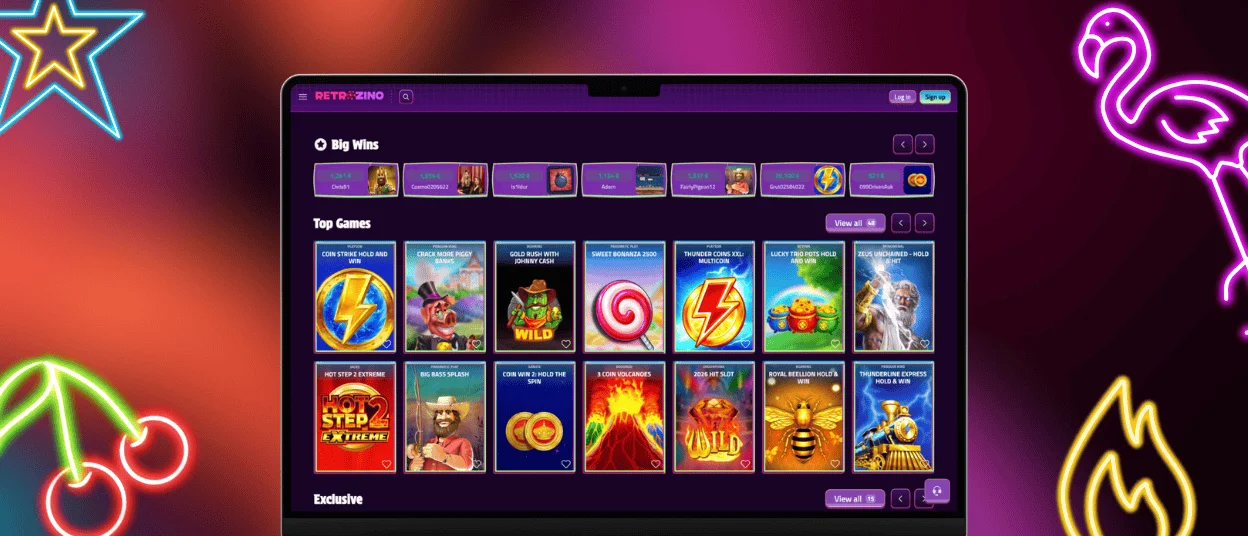
Desktop players reach RetroZino Casino through any modern browser. A large monitor reveals every detail of the lobby, and a mouse gives precise control in table games such as blackjack and roulette. When the site is open in Chrome or Edge on Windows, a small install icon appears in the address bar; one click turns the casino into a standalone application with its own window and a taskbar shortcut. macOS owners receive the same option in Safari. The desktop format suits long evening sessions, and live dealer rounds benefit from the extra screen space in particular.
Account data syncs automatically between platforms. Balance, active bonuses, favorites and game history match on every device, so a session started at home continues on the road through the Retro Zino icon on a phone.
PWA Security Advantages
Security sits at the center of the RetroZino platform. The progressive web app runs over HTTPS, and TLS encryption protects every piece of data that travels between a device and the servers. The browser keeps the application inside a sandboxed environment, which limits access to device files and reduces the impact of external threats. Because there is no APK downloaded from outside sources, the risk of installing a modified file disappears.
Every payment goes through PCI-DSS-compliant processing, and updates arrive from the server side, so members always use a current, fully patched version. Biometric login and optional two-factor authentication, which you activate in the account settings, add extra layers of protection to each Retro Zino account.
FAQ
Are all games available in the RetroZino app?
Yes, the mobile version opens the complete catalog: video slots, live dealer tables, crash games and classic table games. New titles reach phones on the day of release, and demo mode lets users test games with virtual credits before placing real bets.
Do I need an account to use the Retro Zino app?
Demo mode on most slots and crash titles works without registration. Real-money play and withdrawals require an account. Registration through the app follows the same short process as on desktop and takes about two minutes.
Can I use the same account on multiple devices?
One account works across all devices. Balance, active bonuses, game history and favorites sync automatically at every login, regardless of which device was used last.
How do updates work in the RetroZino app?
There are no manual updates. The PWA pulls the current version each time it opens, so new games, refreshed promotions and platform changes appear automatically without any action from the user.


